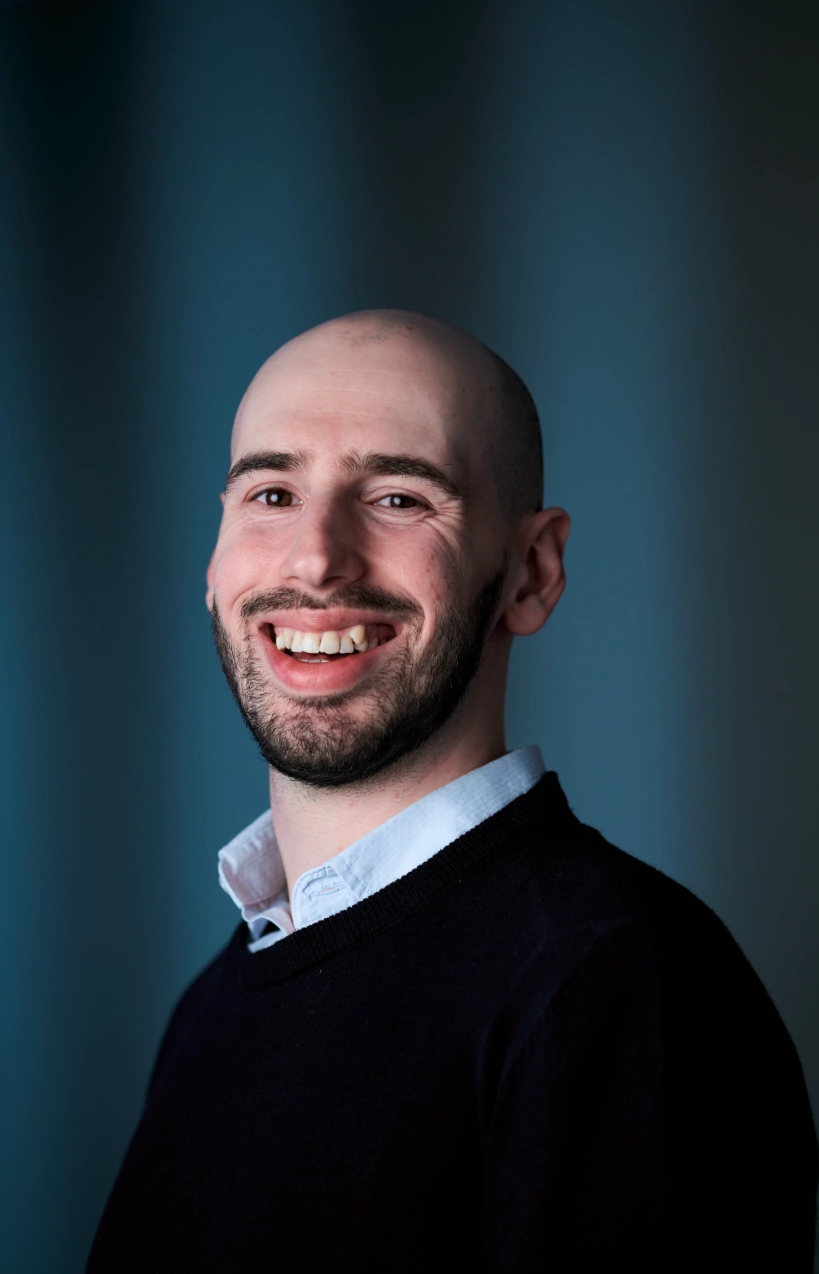
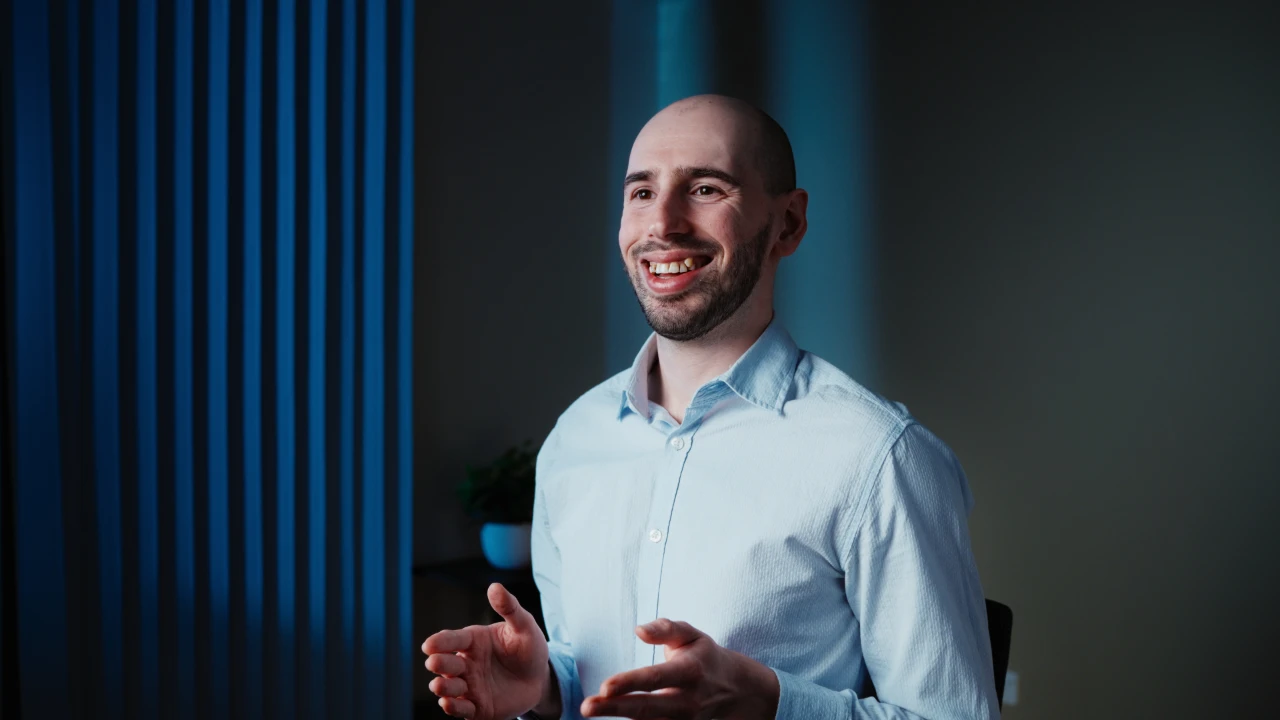
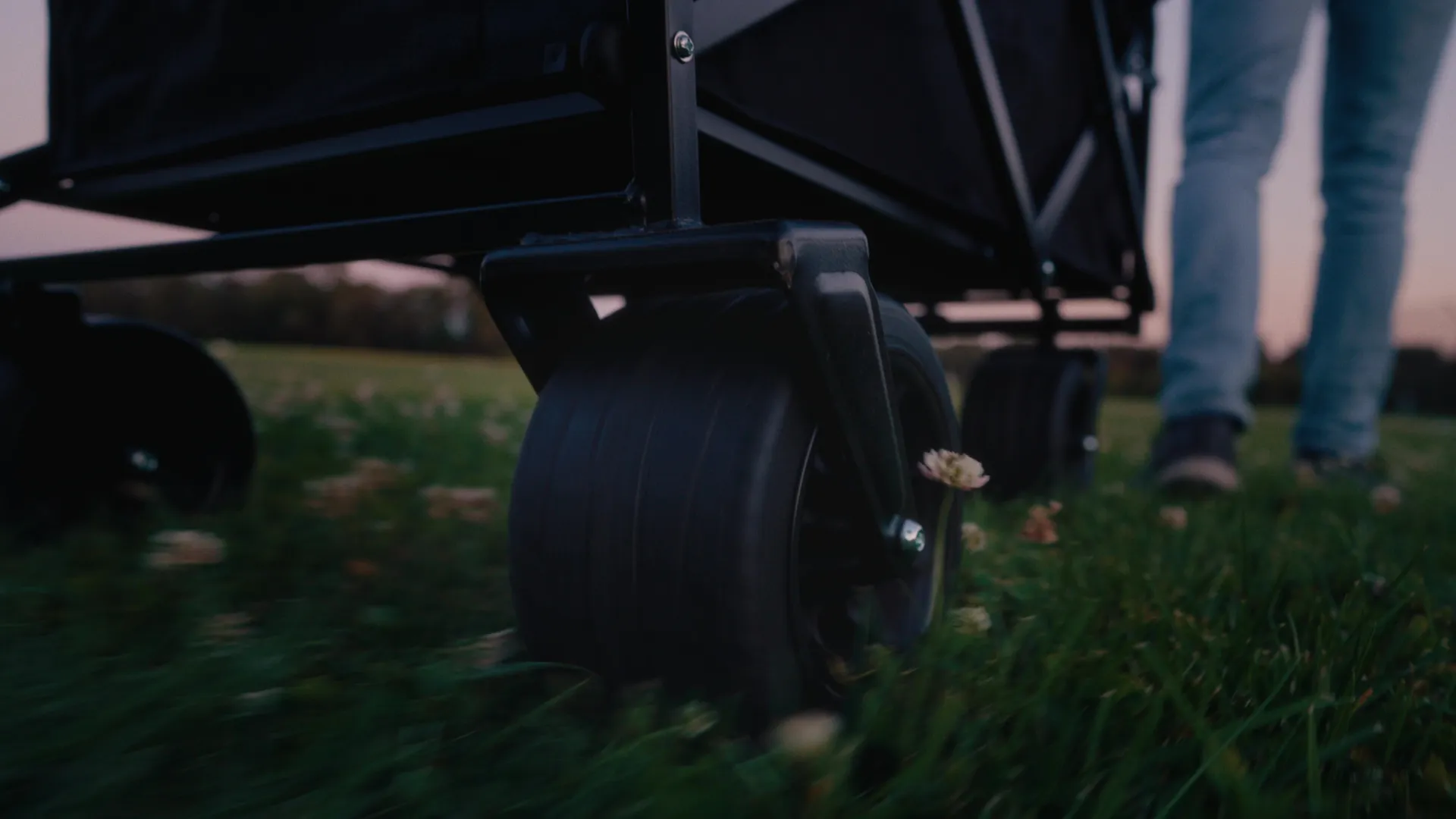
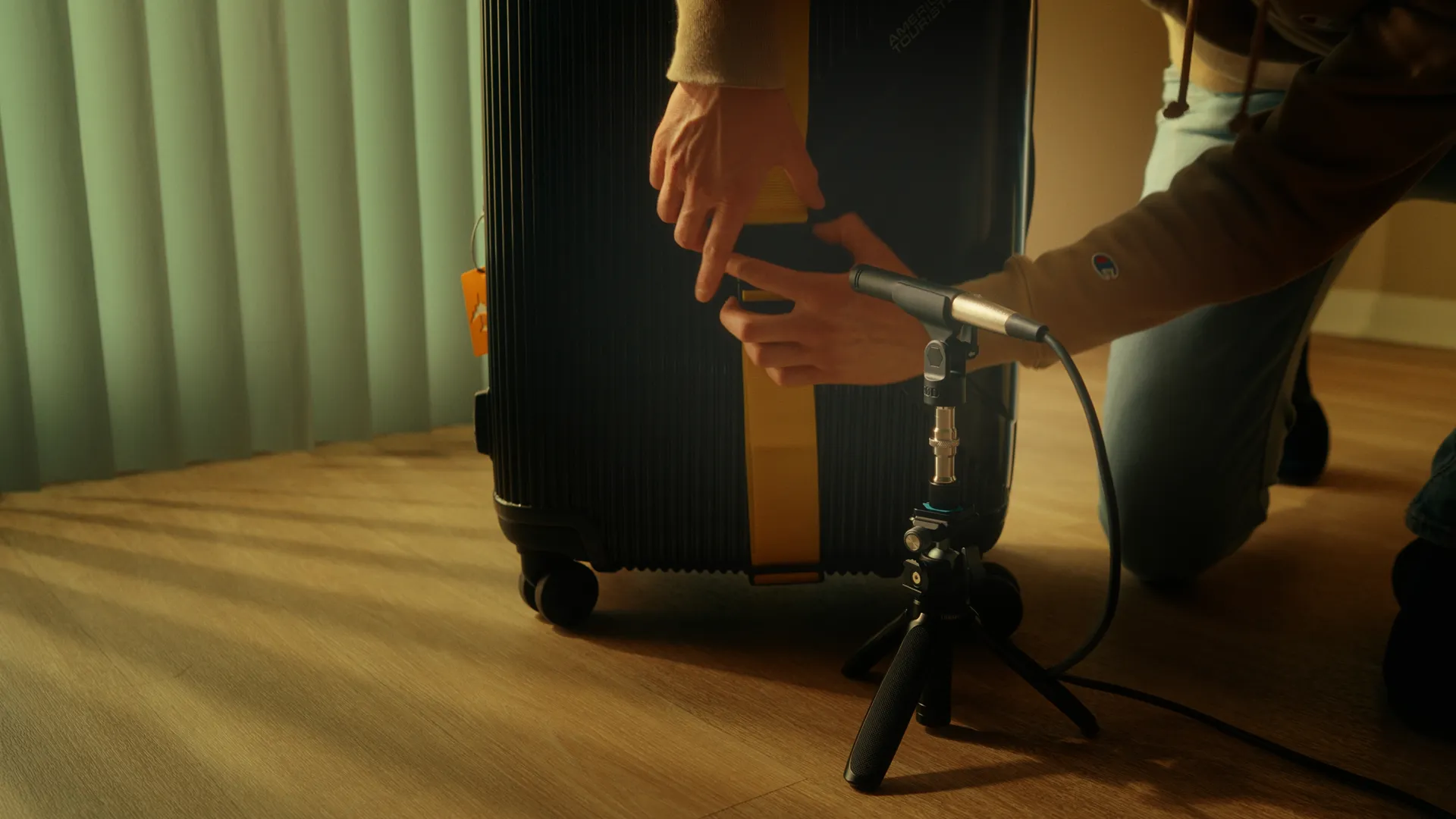
Replacing bright, flat, forgettable corporate video with textured storytelling that builds real trust with your clients.

Pre-production meeting before we shoot to shape your story and key messages.
Beyond the shoot, I’ll help you shape what you say and how you say it, so you come across clearly and naturally.
Full production brought to your studio, workshop, or office.
Your video features the same textured lighting and cinematic colour grading that runs through every project on this site. The video is cut and graded using industry-leading software & tools, some of which I personally build and sell to video editors worldwide.
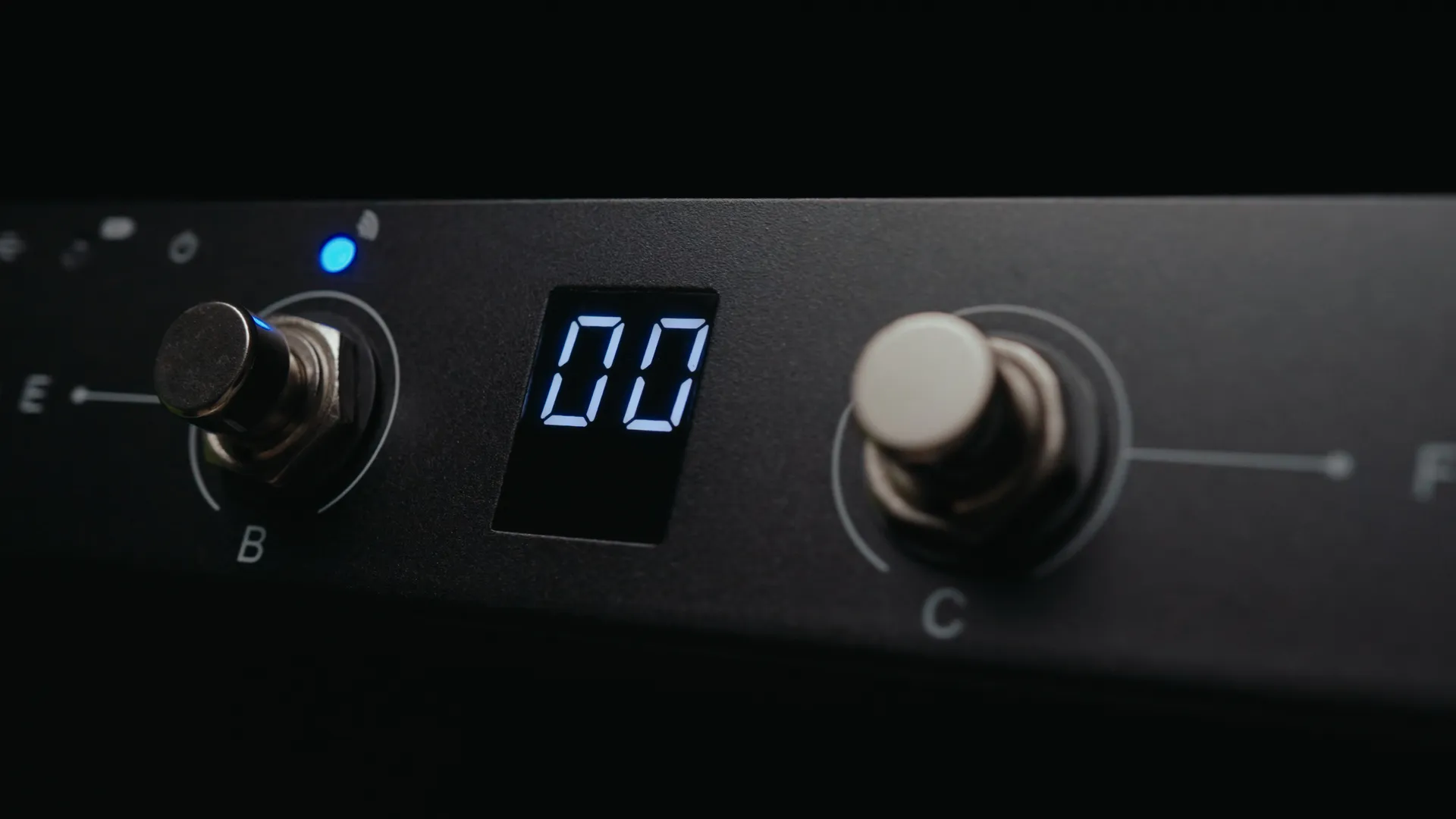
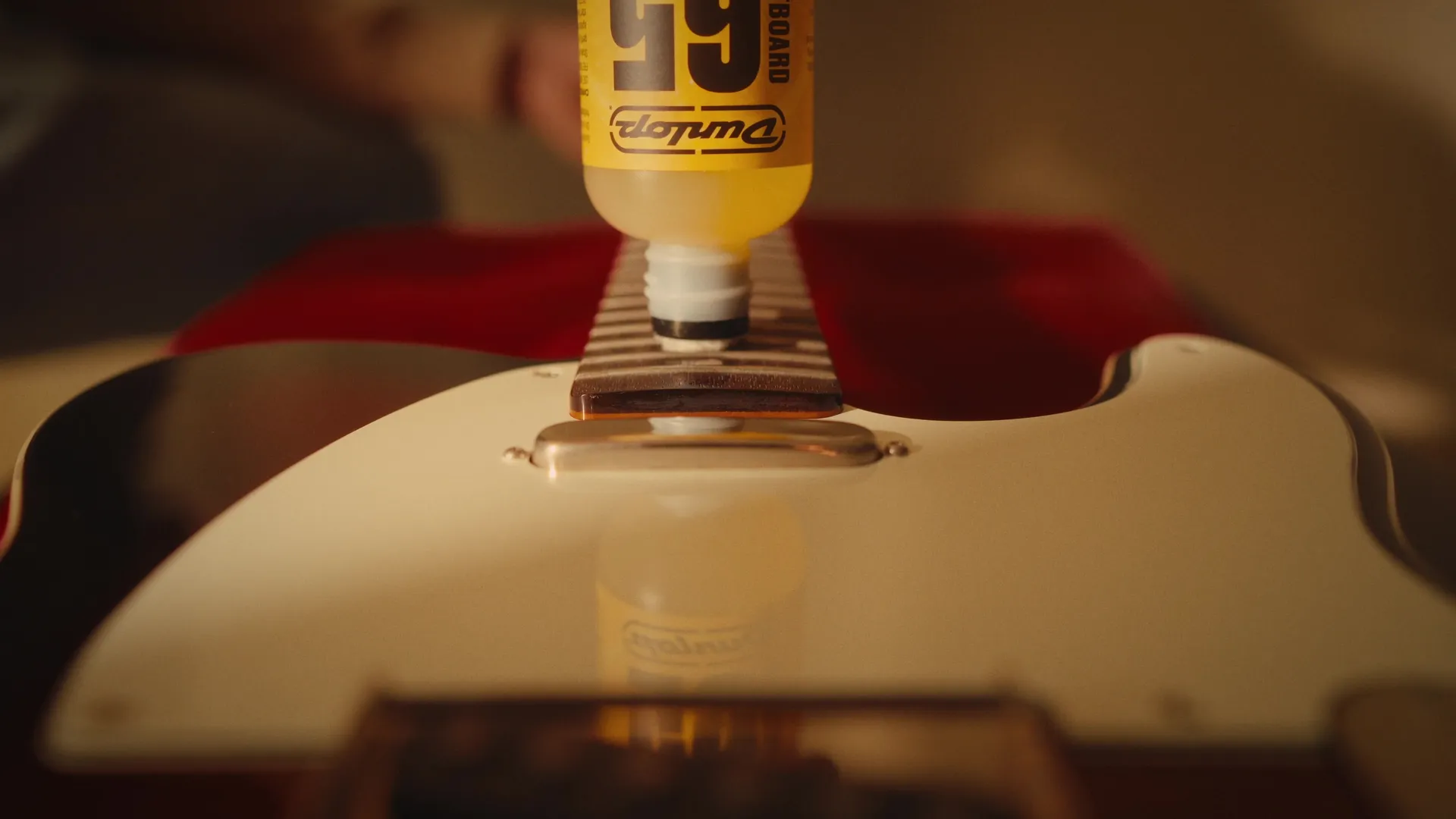
If you sell a physical product, it gets the same high-end lighting and detail as the story around it.
Nothing on screen looks like an afterthought, your product looks just as premium as the business you’ve built.

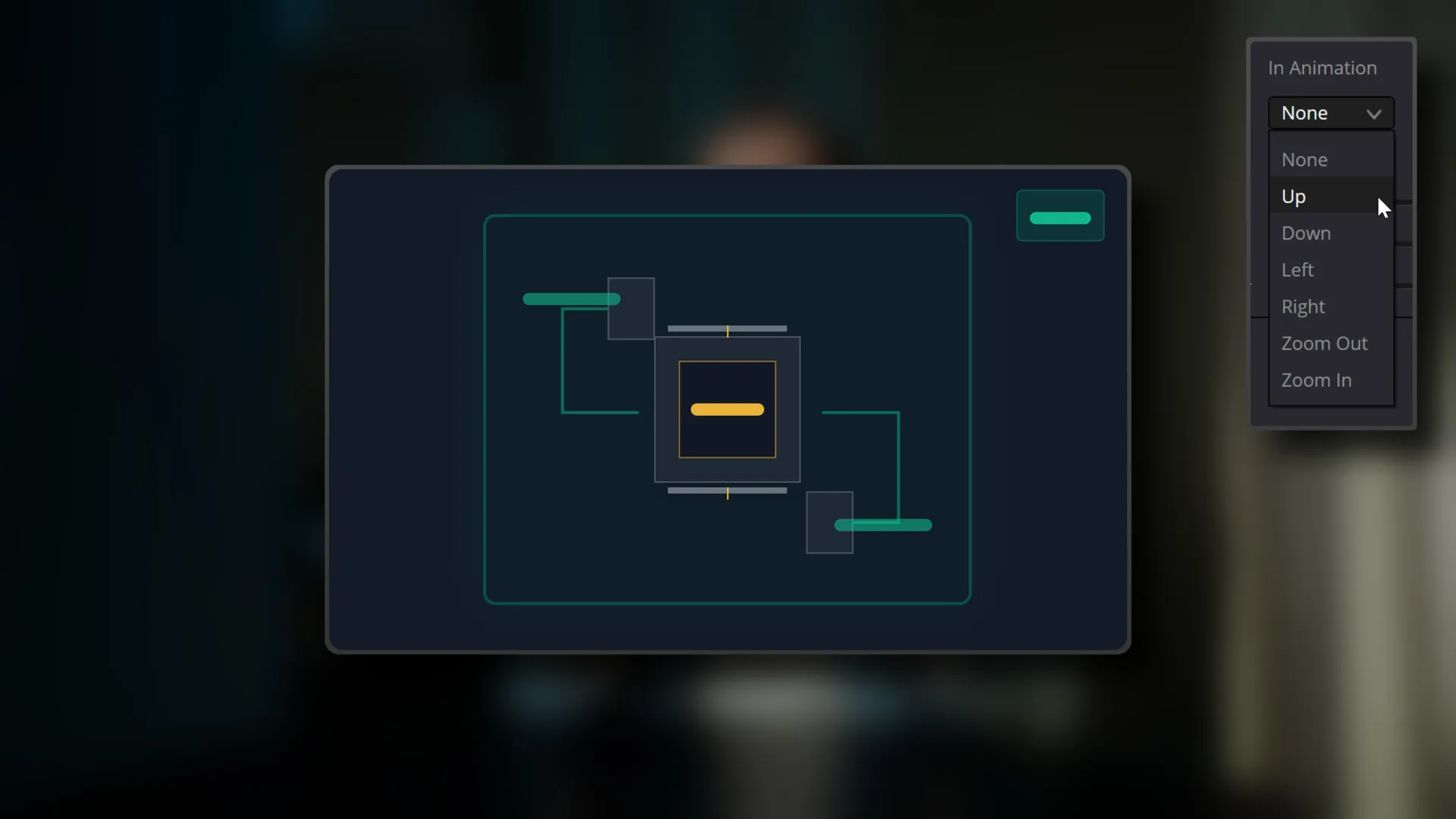
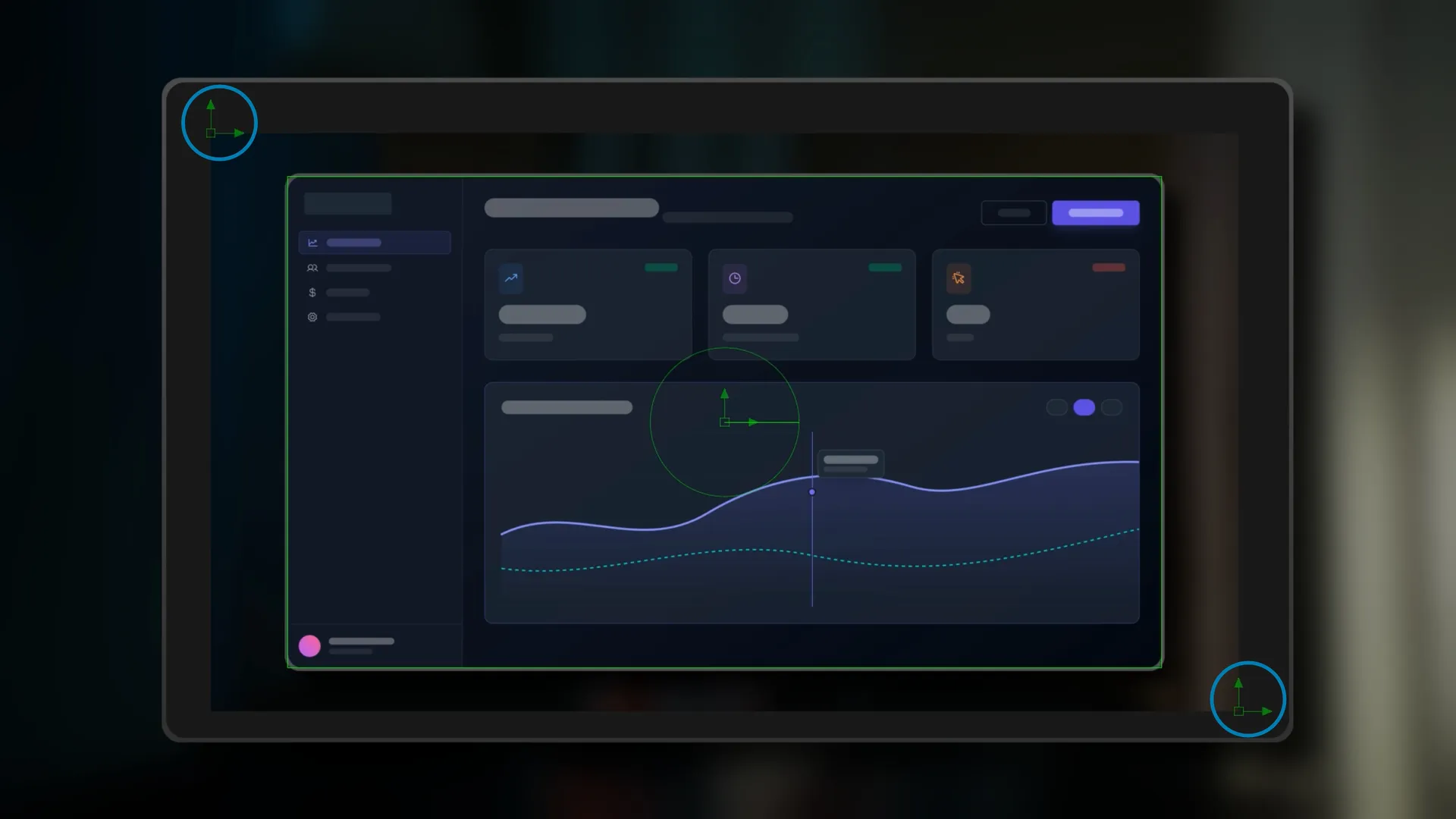
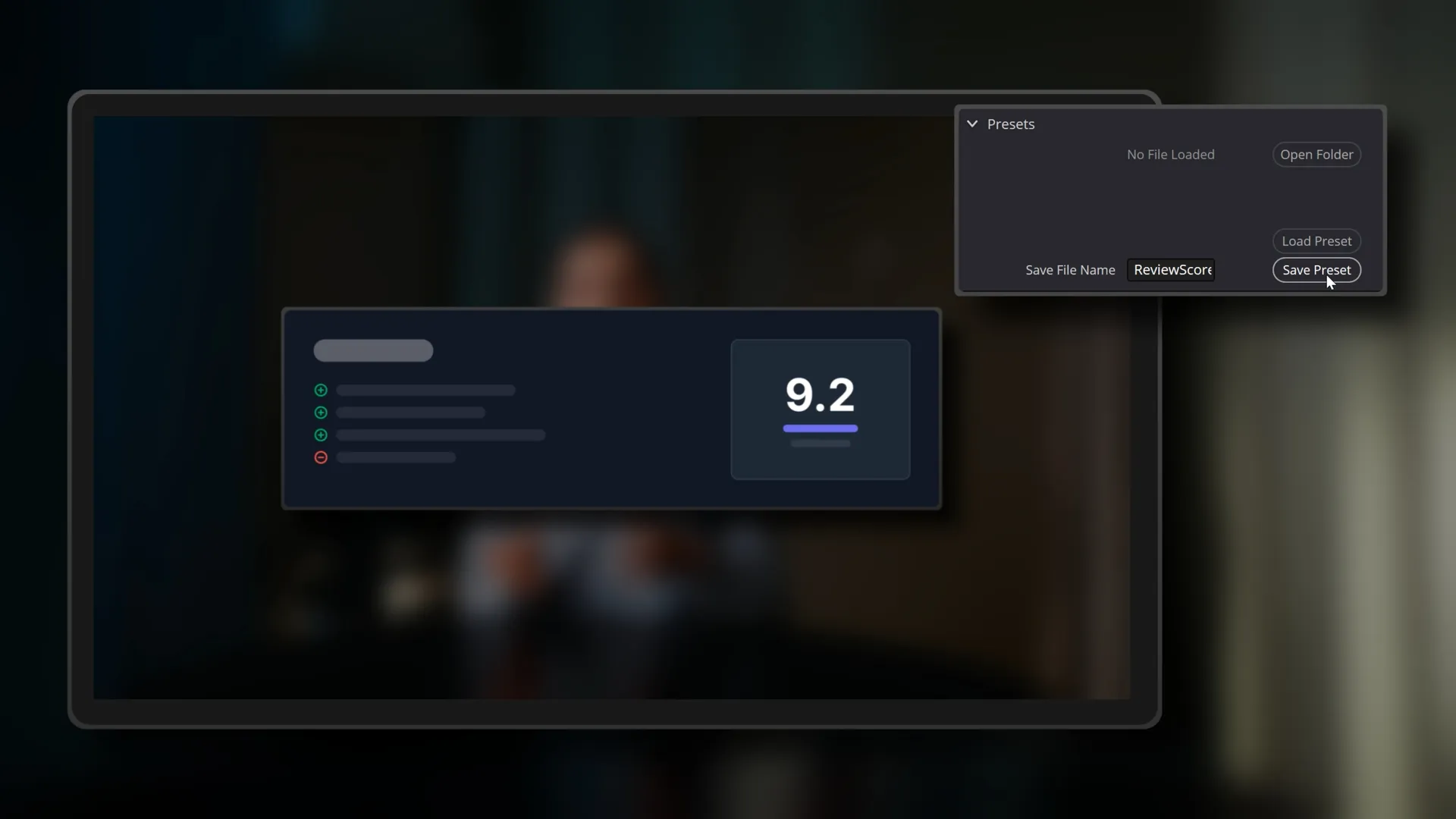
I don’t just edit in DaVinci Resolve. I build tools for it.
Alongside brand story work, I develop DaVinci Resolve editing tools used by editors around the world and featured by industry news such as NewsShooter and No Film School.
Impactful Video Advertising that deeply connects and resonates with their audience, resulting in a lasting impression.
Informative YouTube Tutorials that distill hours of personal learnings & research into easy-to-understand segments, providing practical insights and inspiration.
Captivating Travel Videos & Photos that bring viewers one step closer to the destination.
Brand Partnership videos that help viewers with knowledgeable insights, fresh perspectives, and real-world product use.
It looks like you’re on mobile.
This section was crafted with a larger screen in mind.
Please head over to your Desktop to get started.
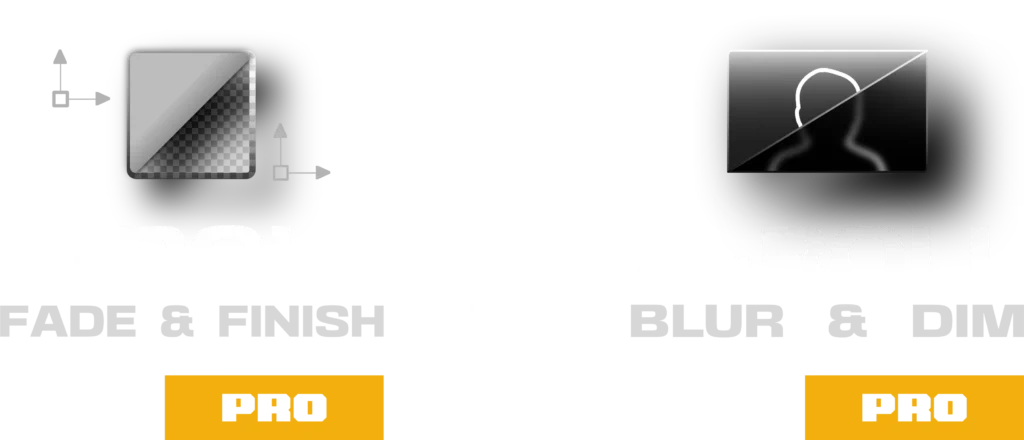
Can you edit faster than the B-Roll Fade & Finish PRO System?
First, Download the Challenge DaVinci Resolve Project Archive:
Then, follow these simple steps to Import the Project Archive into DaVinci Resolve:
Download & Unzip: Click the download button above and extract the .zip file to your computer. You will see a folder ending in .dra (DaVinci Resolve Archive).
Open the Project Manager: Launch DaVinci Resolve. If you are already in a project, click the Home icon in the bottom right corner to open the Project Manager.
Restore the Archive: Right-click in any empty gray space within the Project Manager window and select “Restore Project Archive…”
Select the Folder: Select the “Take The Challenge.dra” folder and click Open.
Ready to Edit: The project will appear with all the necessary image assets loaded and ready for you to take the challenge.
Then, Choose Your Method below and Start the Stopwatch when you’re ready –
Your final edit time is:
It’s not easy to change how you work, but seeing the results is the first step.
Here is $10 off to help you take the next one.
CHALLENGE10
Use Code at Checkout
Time to Beat
Using the PRO Method: 02:14
Using the FREE Method: 03:18
Using the Native Method: 05:21
For users using only native DaVinci Resolve tools.
Setting up base footage and initial blur transition.
Creating dim transition and preparing first B-Roll.
Adding styling and entrance fade animation.
Final framing and batch applying effects.
For users utilising the free version of the B-Roll Fade & Finish tool.
Setting up base footage and A-Roll tool.
Applying B-Roll tool and framing.
Setting keyframes and extending timeline.
Batch applying effects and final framing.
For users utilising the B-Roll Fade & Finish PRO System.
Setting up base footage and PRO A-Roll tool.
Applying PRO B-Roll tool and framing.
Setting movement and extending timeline.
Batch applying effects and final framing.